
One object, and very little else.
A single hero object, dark and moody photography, and textures so quiet you only notice them when they’re gone.
One object, one accent, one idea per frame.
- Cube modules
- 22
- Lime blocks
- 4
- Icons
- 16
- Textures
- 3
Drag to orbit · scroll the page freely · pauses off-screen
The cube is the hero object
- The cube is built from the mark’s module: separate rounded blocks with small gaps, never fused.
- Metallic gunmetal and silver blocks, three or four lime blocks, one soft green halo.
- Movement is slow rotation with mouse parallax. It pauses off-screen and is replaced by a still on low-power or reduced-motion devices.
Photography direction
Dark, moody, and real.
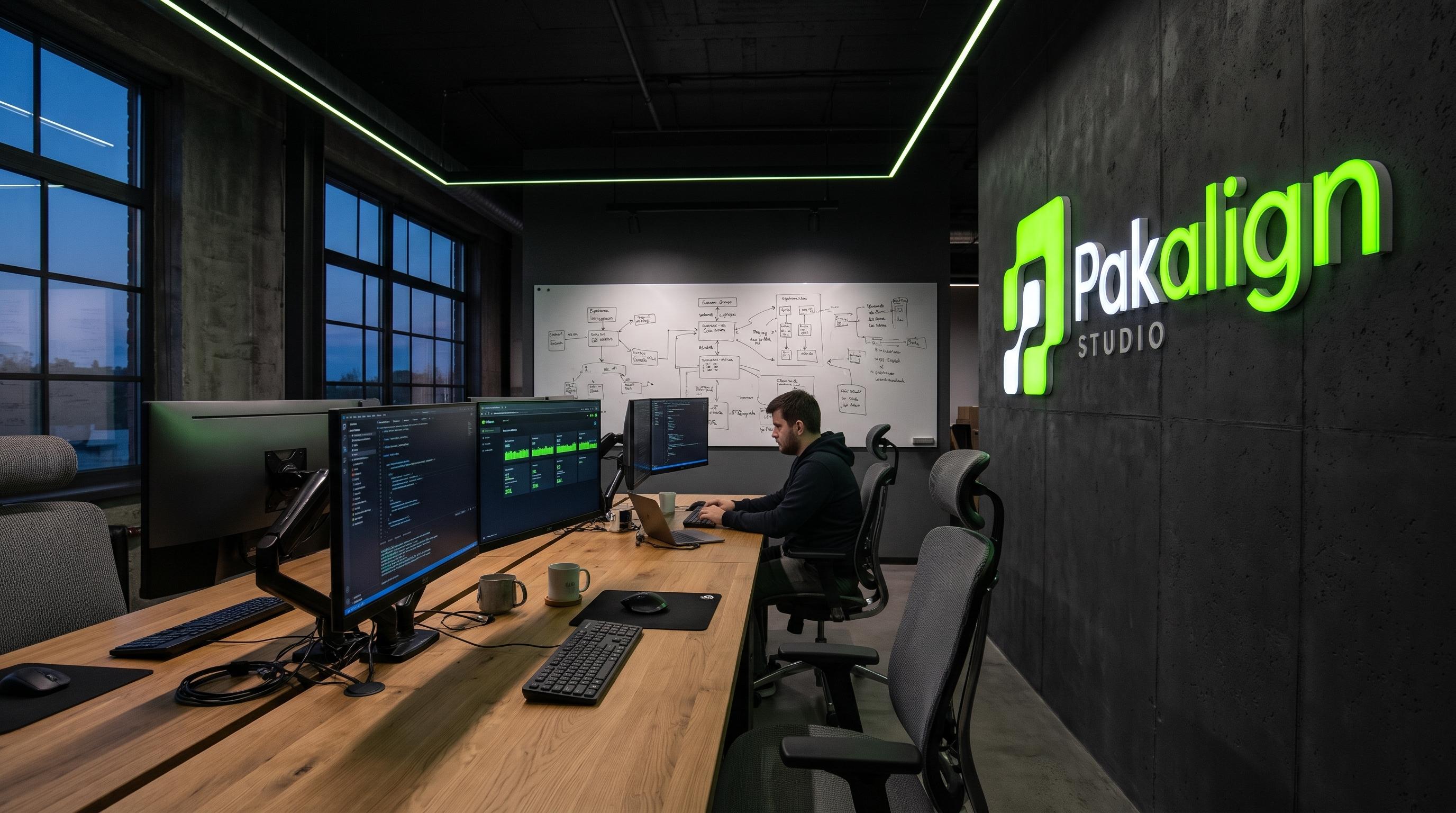 Workspace
Real Pakalign desks, screens off-axis, dim practical light.  Team at work
Pakistan-based teammates mid-conversation, never posed to camera. - Detail
Hands, notebooks, device edges. Shallow depth, one lime object per frame.
Do
- Dark, moody, natural-contrast light
- Real workspaces and Pakistan-based teams
- Lime appears once per frame, as a real object or screen element
- Candid, mid-task, shot from slightly below or beside
Don’t
- Stock smiles, handshakes or pointing at laptops
- Generic robot, brain or circuit imagery
- Neon tints, purple gradients or lens-flare
- Lime overlays or lime-filtered photography
UI and dashboard previews
Frame the product, don’t decorate it.
- 01Frame at 16px radius with a 1px rgba(255,255,255,0.12) border.
- 02Light the top edge with a faint inner gradient; never a drop shadow on dark.
- 03Crop deliberately: show one panel fully and bleed the rest off the edge.
- 04One lime element (a bar, a dot or a figure); everything else is neutral.
Texture rules
Low contrast. Never busy.
Blueprint grid Paper panels
48px cells, 1px lines at 5.5% ink, fading out towards the bottom.
Green glow Dark chapters
One radial gradient, green at 12–16% opacity, anchored to a corner.
Architectural grid Footer
96px cells, 1px lines at 4.5% white, masked to fade in from the top.
Icon set
Thin line, interface-style, on a 24px grid.
24px grid · 2px safe area · 1.5px stroke
- database
- globe
- phone
- pen
- workflow
- bolt
- layers
- cube
- code
- shield
- chart
- users
- message
- cog
- target
- Thin line: 1.5px stroke, round caps and joins, no fills.
- 24px grid with 2px padding; render at 16, 20 or 24px only.
- Interface-style, literal metaphors. No gradients, no two-tone.
- Icons inherit text colour. Lime only when the icon is the single accent.
Specification
The numbers to keep
Imagery is sparse and deliberate. When in doubt, use less: a still of the cube, one photograph, one texture.
- Cube
- 22 blocks · 4 lime · DPR capped at 1.75
- Fallback
- /public/brand/cube-fallback.png
- Icons
- 24px grid · 1.5px stroke · round caps
- Photography
- Dark, moody, real people and spaces
Notes
- Replace the fallback PNG with a render of the final cube.
- Add real photography to /public/mockups and /public/brand.